
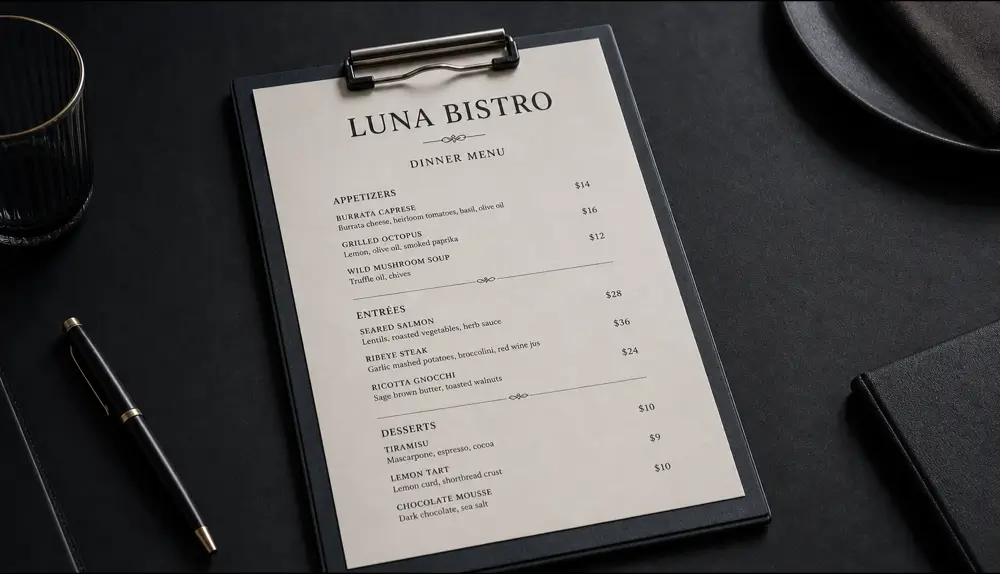
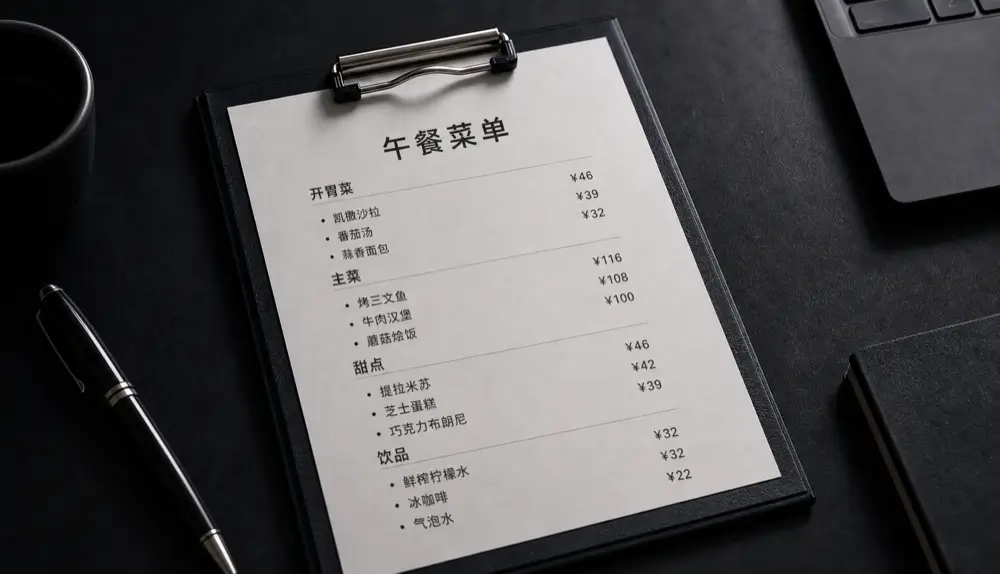
Step 1: Take a good photo
Translation quality starts with the photo.
- Lay the menu flat or hold it straight on.
- Use the restaurant’s light or step to a window — avoid flash glare on glossy menus.
- Fill the frame with the menu. For long menus, take one photo per page.
Step 2: Translate it in Qutu
- Open Qutu on your iPhone (or Qutu Web in a browser).
- Choose the translate tool and select the menu photo.
- Pick your target language. Qutu detects each line and shows its translation.
- Review the list. Fix any dish names you’d rather keep in the original language.
- Generate. You get a new image with the translations written in place.
Step 3: Read and share
Because the layout is preserved, sections, dishes and prices still line up. Save the image to your photo library and share it with the people you’re dining with.
Why not just use a camera translator?
Live camera translators are great for a quick glance at a sign. With a full menu, the overlay can jump around, cover prices, or lose track of which description belongs to which dish. A translated image is stable — you can zoom, scroll and come back to it later.
Tips
- Small print translates better if you photograph each section closer up.
- If the photo is blurry, run the text sharpening tool first, then translate.
- Keep the original photo too — useful for pointing at a dish when you order.