
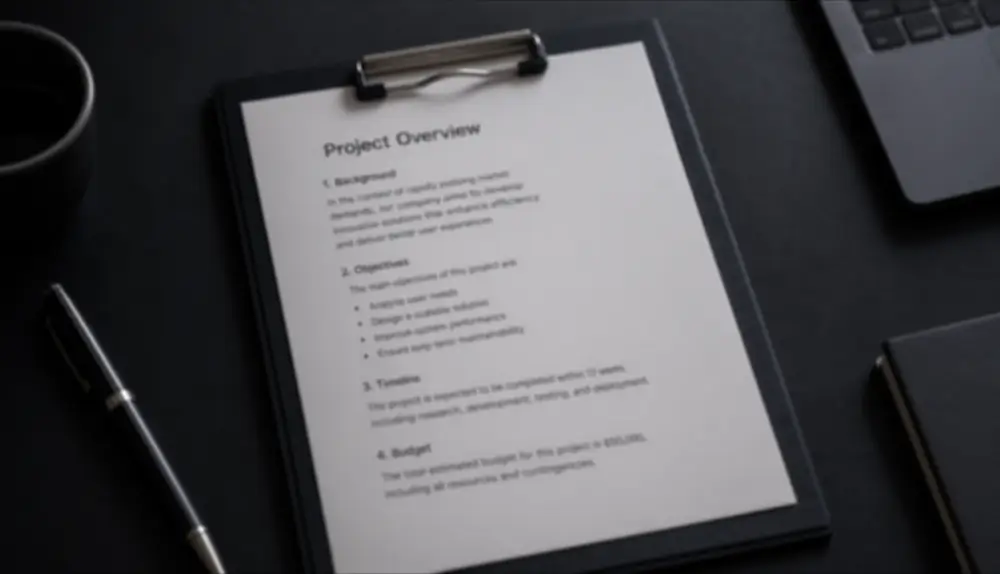

Why text blurs
Text is the first thing to suffer when an image gets small or soft. A photo taken in low light, a page captured at an angle, or a screenshot that was resized in a chat app all end up with letters that bleed into each other. General photo enhancers are tuned for faces and landscapes, so they often make text look worse — waxy and oddly shaped.
Qutu has a dedicated mode for text. It treats letters as letters, rebuilding sharp edges and consistent stroke widths.
Good candidates
- Photos of printed documents, receipts you need to read, and handouts.
- Whiteboards and slides photographed from the back of a room.
- Small screenshots that were scaled down before they reached you.
- Signs and labels shot from a distance.
Tips
- Start from the largest version of the image you have.
- Crop to the text area first if the photo includes a lot of background.
- For important details such as amounts or serial numbers, treat the result as a reading aid and confirm against the source.